When teams outgrow spreadsheets and scattered tools, the biggest hurdle isn’t just “getting organized”—it’s creating a system where planning, execution, and reporting actually flow together. That’s where platforms like Cerri Project enter the picture: structured, permission-based, and built for real-world organizations that need clarity without chaos.
I’ve spent the last few weeks testing Cerri Project from a reviewer’s lens—exploring everything from setup to workflows, PMO features, permissions, project health, integrations, reporting, and user experience. This review breaks down what the platform does well, where it could improve, and what kind of teams will benefit most from it.
If you’re evaluating work management or project portfolio management software, this review will give you a practical, experience-driven perspective—not a surface-level feature list.
What Cerri Project Is Designed to Do?
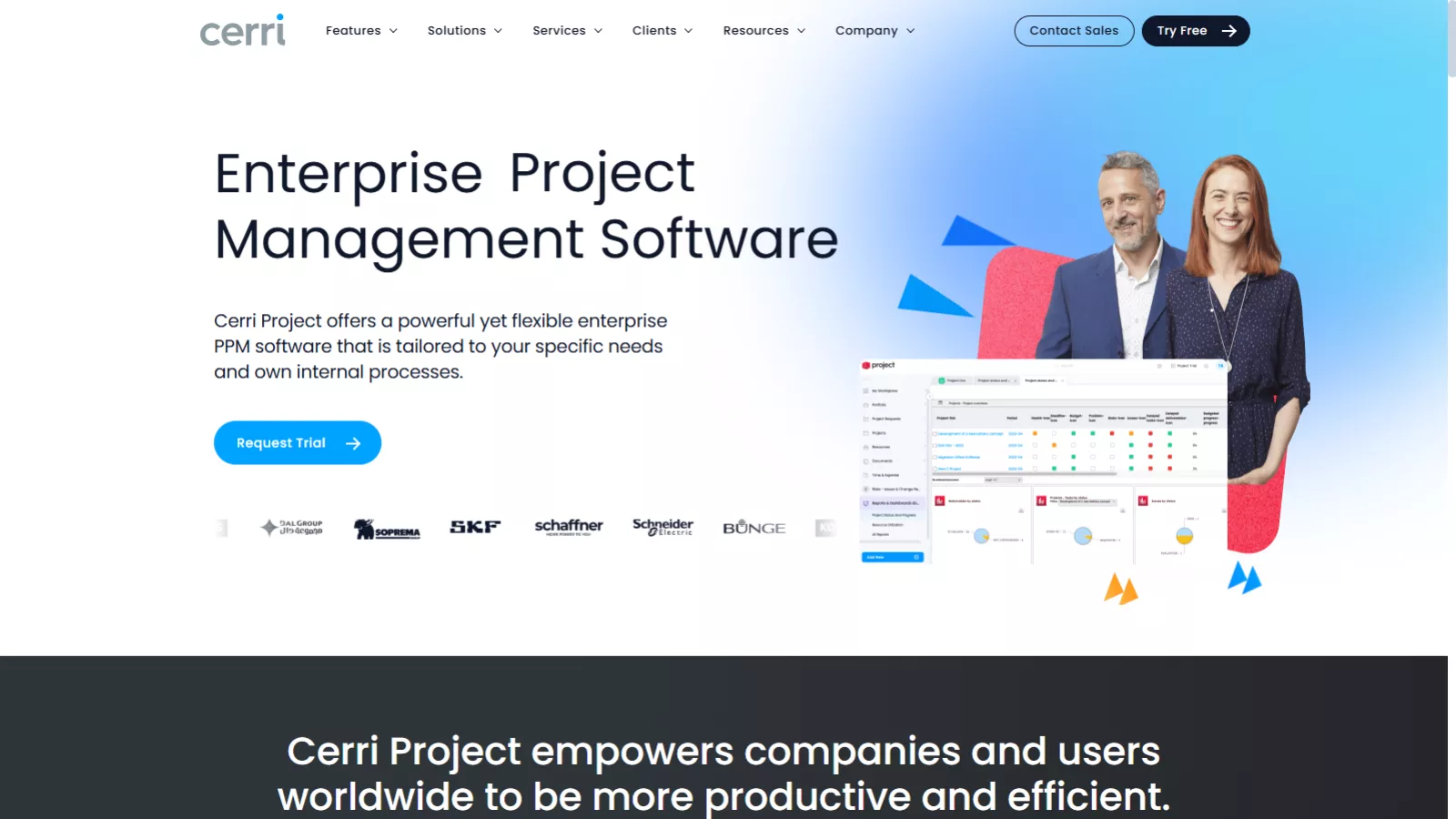
Cerri Project is a full-suite work management software built for medium to large organizations that need:
- Project visibility
- Portfolio oversight
- Resource governance
- A structured governance framework
- Audit trails and compliance control
- A centralized place for planning, collaboration, tasks, workflows, and deliverables
Unlike lightweight tools that focus on task checklists, Cerri Project positions itself as a PPM software—built for organizations managing multiple teams, multiple projects, and complex approval or governance workflows.
The idea is simple:
Give teams clarity. Give managers control. Give executives visibility.
User Experience: Clean, Professional, and Purpose-Driven
One thing becomes clear right away: Cerri Project isn’t pretending to be a playful startup tool. It has a formal and highly structured interface designed for companies that take governance seriously.
Interface and Navigation
The UI is clean, minimal, and purpose-built for professional environments. Buttons are purposeful, modules are clearly laid out, and the information architecture makes sense even for first-time users.
Learning Curve
Because it’s a robust system, there is a learning curve—especially for teams migrating from tools like Asana or Trello that focus more on tasks than governance. But here’s the difference:
Once you understand the structure, the consistency becomes a huge advantage.
You always know where data lives, how workflows operate, and how approvals move through the system.
This isn’t a tool designed for “move fast and break things.” It’s designed for “move systematically and stay accountable.”
Core Features: A Deep Dive Into What Makes Cerri Project Stand Out
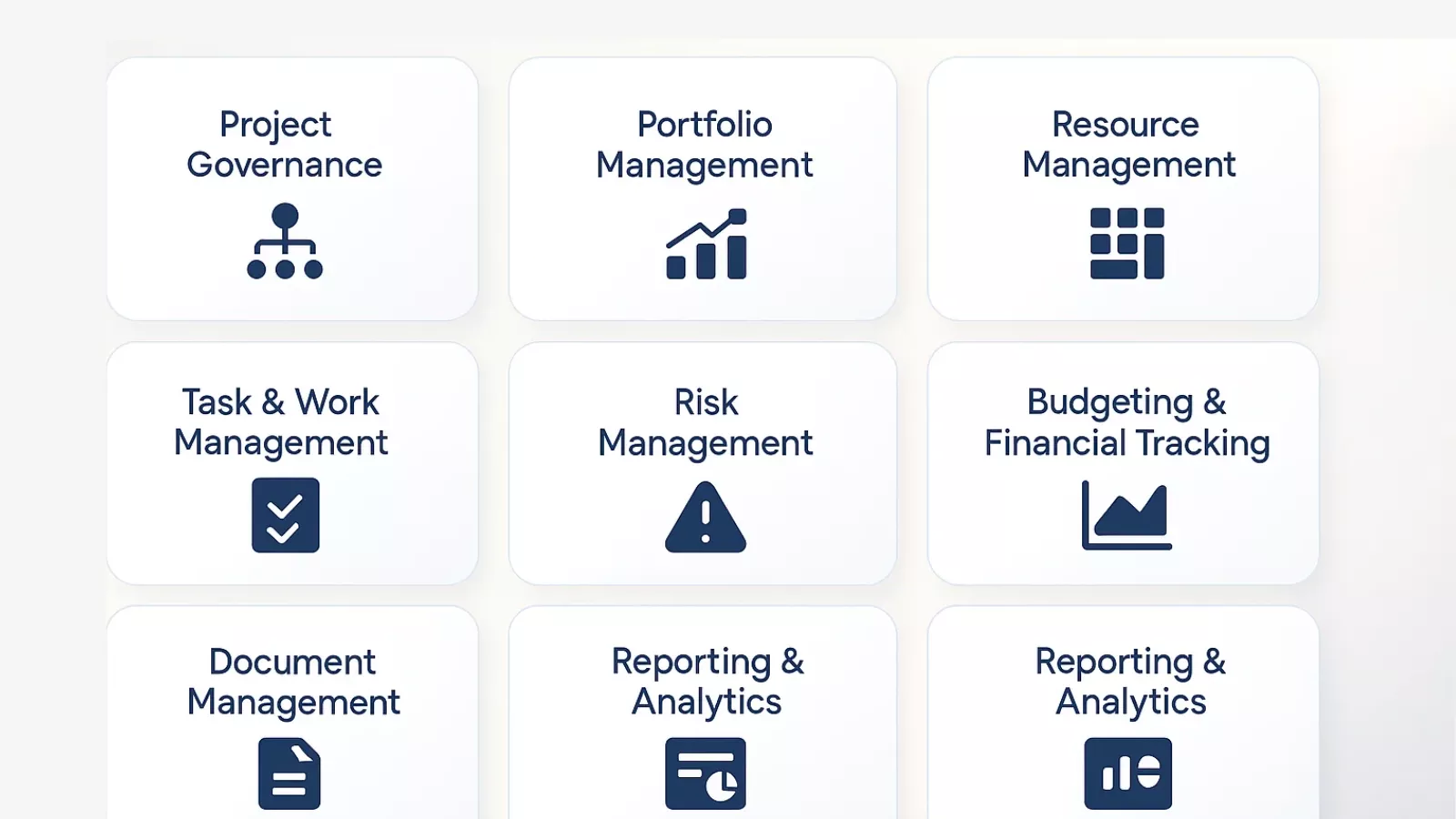 1. Project Governance
Cerri Project shines the most in areas where formal approval structures are needed.
You can set up governance frameworks with:
- Stage gates
- Document approvals
- Risk reviews
- Compliance checkpoints
- Custom workflows for project initiation, changes, or closure
It’s ideal for organizations where projects require:
✔ Manager sign-off
✔ Stakeholder review
✔ Compliance validation
✔ Risk assessments
This feature alone puts Cerri Project in a different league from simple task tools.
2. Portfolio Management
This is where Cerri Project positions itself as true project portfolio management software.
You can:
- Build portfolios
- Prioritize projects
- Track alignment with business goals
- Review risks, budgets, and timelines
- Compare initiatives side-by-side
- Visualize overall portfolio health
For PMOs managing dozens of projects, this visibility is invaluable. Portfolio filtering and reporting also make executive reviews significantly easier.
3. Resource Management
The resource module is one of the strongest parts of the platform.
You can:
- Assign workloads
- Track availability
- Map skills
- Manage allocations
- Prevent overbooking
The workload views are clean, precise, and genuinely helpful for capacity planning.
Teams constantly juggling resources—creative, engineering, consulting, operations—will appreciate this.
4. Task & Work Management
Tasks and execution-level workflows are straightforward:
- Assign tasks
- Set deadlines
- Add dependencies
- Define deliverables
- Comment and collaborate
- Attach files
- Track progress visually
It’s functional and reliable, though not as visually “fun” as Kanban-centric tools. But again, the platform is aiming at structure, not gamification.
5. Risk Management
Cerri Project includes a fully built-in risk tracking system where you can:
- Record risks
- Rate probability
- Stay compliant with internal risk processes
- Assign mitigation owners
- Track progress
For any organization where risk reviews are part of the culture (IT, finance, engineering, consulting), this is a major advantage.
6. Budgeting and Financial Tracking
You can track:
- Budget planning
- Actuals
- Variances
- Baseline comparisons
While it’s not a full financial system, it offers enough control for PMOs and finance teams to maintain oversight without relying on external spreadsheets.
7. Document Management
Cerri Project offers built-in document control, enabling you to:
- Add, store, and categorize files
- Track versions
- Control permissions
- Maintain proper audit trails
This is especially important for regulated industries or teams that rely heavily on documentation.
8. Reporting & Analytics
Reporting is robust and customizable. You can generate reports for:
- Workload
- Portfolio health
- Budget status
- Risk registers
- Timeline progress
- Resource utilization
- KPI dashboards
The ability to export and customize reports makes it easier for leadership teams to get consistent, formal reviews.
Security & Compliance: A Strength, Not a Buzzword
Cerri Project doesn’t treat security like an optional add-on—it’s one of the strongest pillars of the platform.
Key highlights include:
- Secure hosting
- Encrypted data protocols
- Strict permission-based control
- Audit trails for all project actions
- Compliance support (ideal for organizations with governance obligations)
If your company depends on documented accountability, Cerri ranks high.
Who The Cerri Project Is Best For
After evaluating everything, here’s the clearest takeaway:
Cerri Project is ideal for organizations that need structure, compliance, consistency, and portfolio-level visibility.
Best fit:
- PMOs
- IT project teams
- Engineering firms
- Agencies with formal approvals
- Mid to large enterprises
- Businesses with compliance or audit frameworks
- Companies running multiple parallel projects
Probably not the best fit for:
- Freelancers
- Very small teams
- Companies looking for a “simple checklist tool”
Cerri is built for seriousness and scale.
Pricing: Tailored for Organizations, Not Individuals
Cerri Project offers pricing through a custom quote model, which isn’t surprising considering its target audience—mid-sized to large organizations.
While exact numbers vary, what you typically get includes:
- Full PPM suite
- Governance workflows
- Resource management
- Portfolio dashboards
- Admin tools
- Support and onboarding
The pricing is competitive for enterprise-level project management. It is not priced like entry-level tools—and it shouldn’t be.
Strengths & Weaknesses at a Glance
Strengths
- Excellent governance and approval workflows
- Strong risk and portfolio management
- Precise, reliable resource planning
- Clean, professional UI
- High-level security and compliance features
- Deep reporting and analytics
- Enterprise-ready flexibility
Weaknesses
- Not aimed at very small teams
- Learning curve for non-technical users
- No flashy design elements (though this may be a strength for many)
The strengths overwhelmingly matter more for the intended audience.
What Sets Cerri Apart in the PPM Space
If I had to summarize the differentiators in one sentence:
Cerri Project is built for organizations that need reliability, structure, and discipline—not just task management.
It elevates process clarity and governance to a level most PM tools simply don’t attempt.
Best Alternatives to Cerri Project
Here are several alternative tools to Cerri Project with a one-liner description for each:
-
Celoxis — Enterprise-grade PPM platform with powerful portfolio planning, resource forecasting, and financial tracking.
-
Smartsheet — Flexible, spreadsheet-like work and portfolio management with automation and real-time collaboration.
-
Monday.com — Monday.com is highly customizable work management tool that supports project tracking and portfolio views for teams of all sizes.
-
PPM Express — Lightweight portfolio oversight tool that layers strategic views onto existing systems affordably.
-
Easy Redmine — Project management suite with risk, resource, and Agile support built on Redmine foundations.
Final Verdict: Should You Choose Cerri Project?
If your organization handles multiple projects, values structured workflows, and requires strong governance, Cerri Project is absolutely worth considering. It’s mature, stable, and built with enterprise needs in mind.
Teams looking for a visually playful or ultra-light task manager won’t find it here. But teams looking for:
✔ Professional workflow governance
✔ Portfolio clarity
✔ Resource accountability
✔ Compliance and audit reliability
✔ Enterprise-grade reporting
…will appreciate the consistency, discipline, and visibility that Cerri Project brings to the table.
Overall, Cerri Project delivers a strong, dependable work management and PPM experience, making it a powerful choice for organizations ready to move toward controlled, structured project execution.
FAQs About Cerri Project
1. What is Cerri Project used for?
Cerri Project is a structured work management and project portfolio management tool designed for organizations that need visibility, governance, and control across multiple projects. It helps manage tasks, resources, approvals, risks, budgets, and documentation in one centralized system.
2. Is Cerri Project good for small teams?
It can work for small teams, but it’s primarily designed for mid-sized and enterprise organizations that require formal workflows, resource planning, and portfolio-level reporting. Smaller teams looking for lightweight task tools may find it more complex than necessary.
3. Does Cerri Project support portfolio management?
Yes. Portfolio management is one of its strongest features. Users can track project health, budgets, risks, timelines, and alignment with business goals across multiple projects.
4. How steep is the learning curve for Cerri Project?
There is a moderate learning curve, especially for users shifting from simple task apps. However, the structure becomes intuitive once teams understand the system’s workflow and governance format.